It is unacceptable to treat accessibility as an afterthought in this digital era. It’s essential for a welcoming society since it ensures that people with all kinds of abilities can use and benefit from the same resources. Disability affects over 15% of the world’s population of approximately 8 billion people. In other words, 1.3 billion people are directly affected, according to the World Health Organization. This is a staggering number that is only going to increase due to reasons like an aging population.
Making SVGs accessible is important to ensure that all users, including those with visual impairments, can access and understand the content of svg images. While accessibility primarily benefits users with disabilities, it can also indirectly contribute to SEO through improved user engagement and the presence of indexable text within inline SVGs.
In the ever-evolving landscape of global business, companies are constantly looking for ways to innovate and expand their market reach as well as to enhance their brand reputation.
On the path to these goals, one vital element that often gets overlooked is accessibility. Accessibility refers to the practice of making products, services, and environments usable by as many people as possible, particularly those with disabilities. However, this notion goes beyond simply ticking legal boxes. Embracing inclusivity and social responsibility isn’t just the right thing to do, it’s a powerful driver of business success.
Did you know that optimizing your digital content for dyslexic users may not only boost your website’s accessibility but also increase your customer base? With an estimated one out of ten people having dyslexia, that’s roughly 780 million people worldwide (1 out of 10 people have dyslexia) who could benefit from dyslexia-friendly design.
Dyslexia is a specific learning disability characterized by difficulties with accurate and/or fluent word recognition and poor spelling and decoding abilities. To ensure that your content is inclusive and accessible, consider implementing certain design considerations.
Measuring the success of a website project can be done through various metrics, depending on the goals and objectives of the project. Here are some common metrics used to measure the success of a website project:
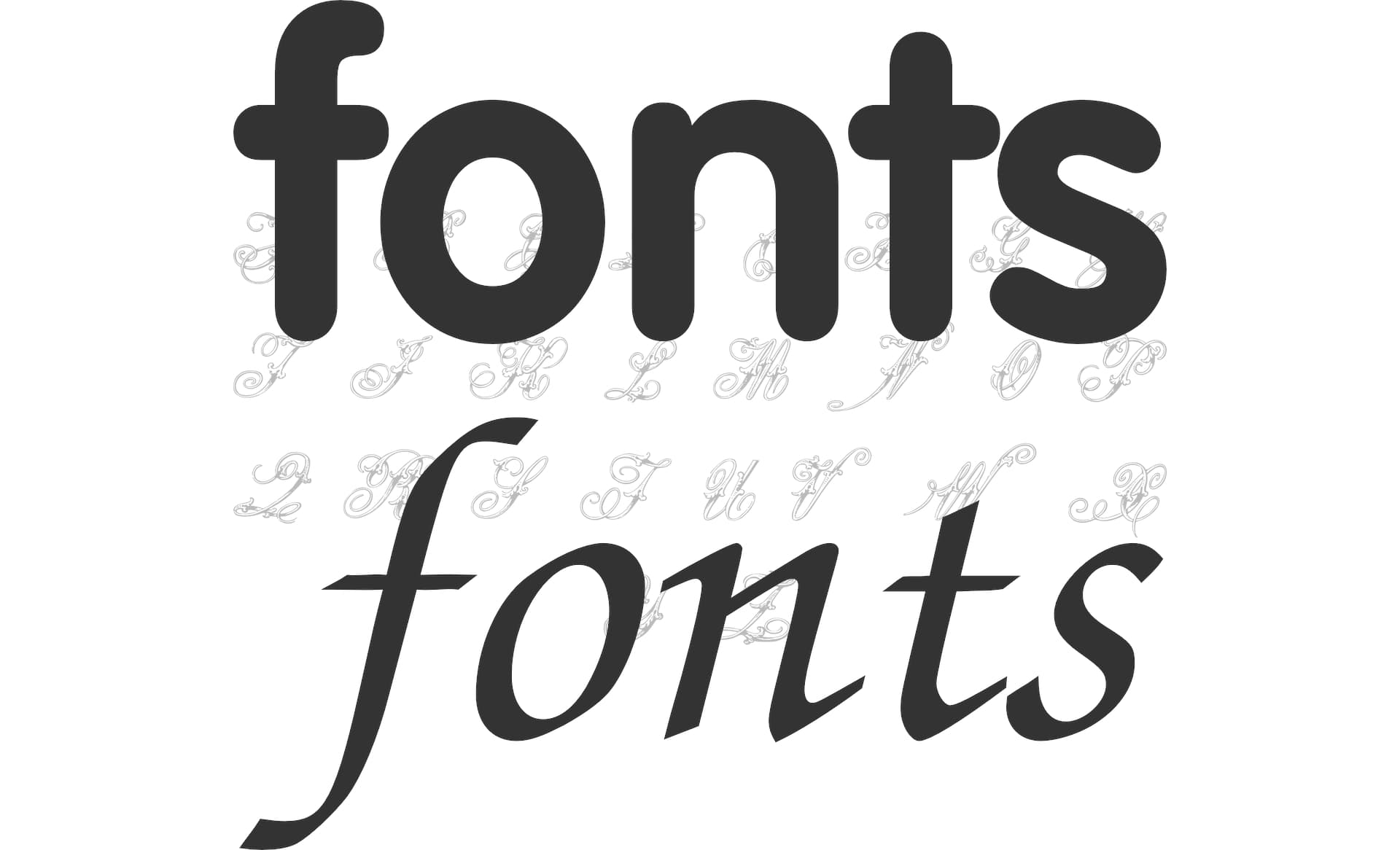
Italic fonts can have both positive and negative impacts on accessibility, depending on how they are used. Italics can be appropriate in some cases, but with certain fonts, they can make text unreadable for some users.
Accessible hiding allows an element to be visually hidden while remaining accessible to assistive technologies such as screen readers. The approach is to apply a CSS class to the element that should not be shown.
There are several solutions for this type of CSS class, but we recommend following styles that cover hiding elements and optionally giving the ability to show the element when the element receives the focus or contains an element that has received focus. Useful for Skip to the main content links. See Adding a link at the top of each page that goes directly to the main content area.
Agile accessibility is the incorporation of accessibility principles and practices into the agile software development methodology.
Ensuring accessibility is a constant and iterative process throughout the development cycle, meaning making sure that software and web applications are designed and developed with accessibility in mind from the very beginning.
Tracking accessibility KPIs is a critical step in ensuring that your digital products are accessible to all users.
Sass with RTL and LTR support isn’t available out of the box, but it can be done through simple Sass @mixin and @include rules that can be used across all Sass files.
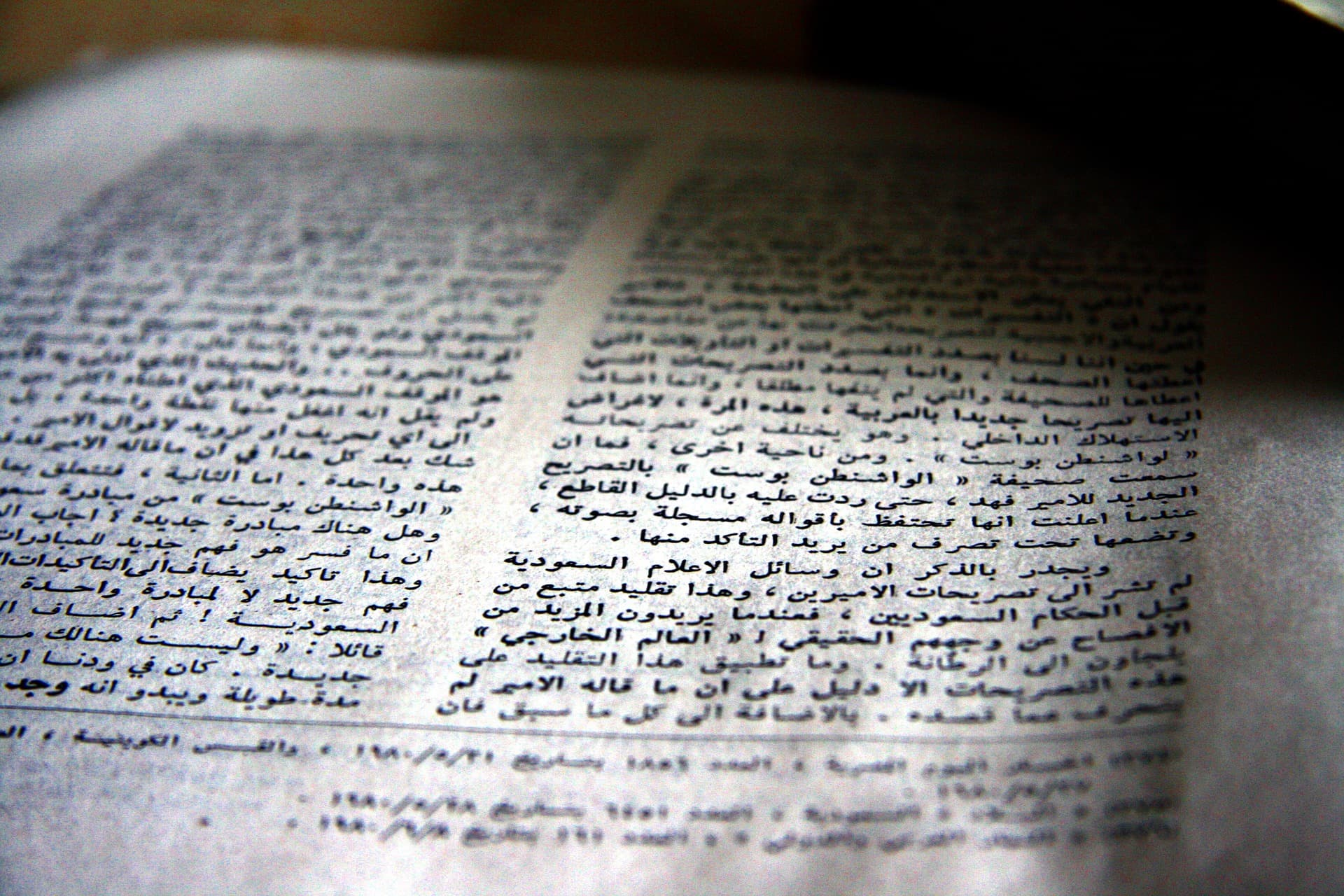
RTL stands for Right-to-Left. It is a writing direction used in languages such as Arabic, Hebrew, and Persian. Supporting both right-to-left (RTL), more often bi-directional (BiDi), and left-to-right (LTR) representations of Web pages can be a challenge.
Note that you can also achieve the same with Less (which stands for Leaner Style Sheets).
WCAG 2.2 was initiated with the goal to continue the work of WCAG 2.1: Improving accessibility guidance for three major groups: users with cognitive or learning disabilities, users with low vision, and users with disabilities on mobile devices.
This is huge news for anyone who creates websites, digital services, or mobile applications, or if you simply care about making the internet more accessible in general.
Boost your website’s quality by auditing your page with SiteLint, a chromium-based extension that improves accessibility, quality, technical SEO, and provides easy-to-understand reports to help you prioritize and fix issues.