European Accessibility Act in questions and answersArticle contains
  1. European Accessibility Act summary
  2. Introduction
  3. Why was the European Accessibility Act created?
  4. Benefits of the European Accessibility Act
  5. What is the standard EN 301 549?
  6. How does WCAG relate to the European Accessibility Act (EAA)?
  7. How does EN 301 549 differ from other accessibility standards like WCAG or Section 508?
  8. Scope and application
    1. Which countries are affected by the EAA?
    2. Focus on procurement
    3. How does the EAA apply to non-web content?
    4. Adoption and enforcement
    5. What products and services fall under the regulation of the Act?
    6. Who does it apply to?
  9. What steps must businesses take right now to implement the act?
  10. When will it be enforced?
  11. How European Accessibility Act will be enforced?
    1. Market surveillance
    2. Complaint mechanism
    3. Product withdrawals from the market
    4. Expected penalties for non-compliance
  12. Exceptions
  13. What are the standard demands made by the Act?
  14. When services or goods fail to adhere to the new regulations, what can users do?
  15. Key documents
  16. Additional resources
Hide content in CSS pseudo elements from screen readersArticle contains
  1. Hiding content in CSS pseudo elements from screen readers: use case and solution
  2. How to hide content from screen readers in CSS pseudo elements
    1. Solution: Hiding Content in Pseudo Elements
    2. Example code: hiding content from screen readers
  3. Results of testing the implementation
  4. Limitations and considerations for hiding content in pseudo elements
Create perfect H1 heading for SEO and AccessibilityArticle contains
  1. The anatomy of the H1 heading
  2. Organize heading levels hierarchically in the same way that a book's index is organized
  3. Keep correct headings hierarchy importance to clearly highlight a page's structure and organization
  4. Include important keywords in your H1 heading
  5. Keep H1 heading unique across all pages
  6. The H1 heading should not be wrapped around the logo
  7. What should the length of an H1 element be?
  8. The H1 heading and page title
  9. Get more inspiration for the H1 description and page content outline
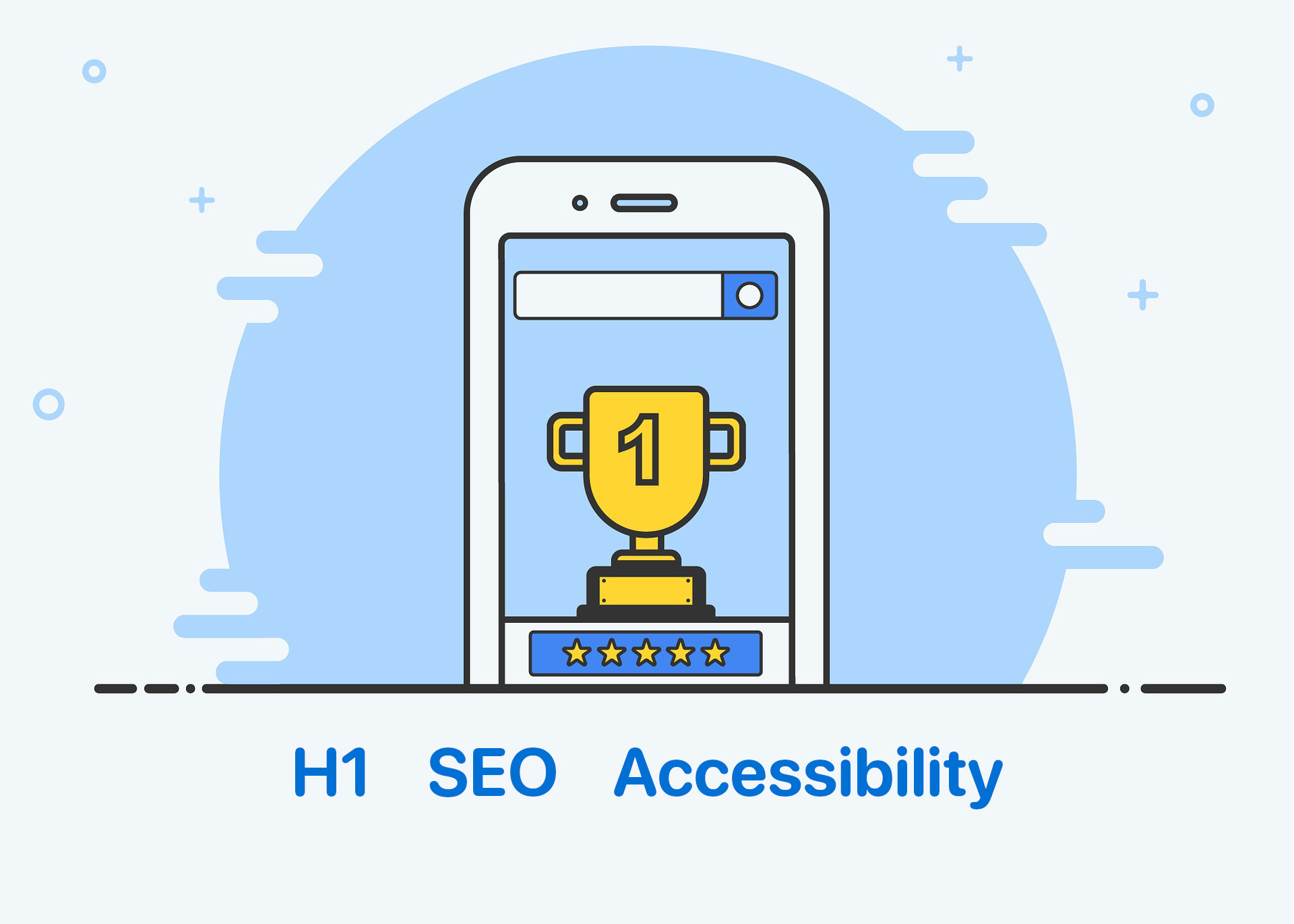
Trophy for the first place in the search results

Create perfect H1 heading for SEO and Accessibility

Headings communicate the organization of the page’s content. The h1 heading, which is usually the largest heading on a page, describes the main topic of the page and typically corresponds to the title of the page. It gives users an indication of what the page is about.

The h1 heading influences visitors’ decisions about whether or not to continue reading a page. It communicates the page’s relevance to search engines.

According to the WCAG headings rules, levels should be used hierarchically, with the main heading being the highest level (h1) and subheadings being subsequent lower levels (h2, h3, h4, etc.). This structure makes it easier for people with visual impairments, cognitive disabilities, and learning difficulties to easily understand the content of a web page.

In this article, we’ll go over all you need to know about the h1 heading and how to make the most of it from the perspective of the user, SEO, and accessibility!

Continue reading “Create perfect H1 heading for SEO and Accessibility”
Accessibility and Auditing Websites in Real Time made with Google Slides PresentationArticle contains
  1. Agenda
  2. Presentation
Accessibility overlays - demystifying secretsArticle contains
  1. What accessibility overlay is?
  2. How does accessibility overlay work?
  3. How do I add widgets to accessibility?
  4. Can automated accessibility tools really fix all issues?
  5. Are accessibility overlays WCAG compliant?
  6. Is it possible for an overlay product to prevent the legal risk?
  7. Why do accessibility overlays often break page layout and behavior?
    1. Soft issues
    2. Hard issues
  8. Summary in bulletpoints
  9. Business perspective
  10. The recommended solution
  11. Other resources
Sitelint presentation at CSUN Assistive Technology ConferenceArticle contains
  1. Description
  2. Audience
CSUN Conference logo 2023

Sitelint presentation at CSUN Assistive Technology Conference

We’ll have the presentation An Approach to Real-Time, Client-Side Accessibility Audits at CSUN 2023 Conference .

Description

SiteLint is Google Analytics for Accessibility. The platform allows users to monitor and audit unlimited sites, in real-time, without crawling or auditing in specific time intervals. Users can collect results from real users, networks, and devices, which will improve significantly the remediation process by knowing which pages reported the most issues. This session will provide a demo of SiteLint and talk about the technical challenges overcome.

Audience

  • Higher Education
  • Information & Communications Technology
  • Government
  • Finance & Banking
  • Research & Development
The Next Generation of Automated Testing (A11yTalks - March 2023)Article contains
  1. Video presentation
The city in the background with text "We drive into the future"

The Next Generation of Automated Testing (A11yTalks – March 2023)

We had the honor to present SiteLint at A11yTalks in March 2023 – the next generation of automated testing. The speaker (Cezary Tomczyk), the Founder of SiteLint, was talking about recalibrating the remediation process significantly, improving accessibility quality testing, and focusing on user behavior. We were discussing new technology and its unique approach that goes beyond crawling and analyzing data on the server side.

Continue reading “The Next Generation of Automated Testing (A11yTalks – March 2023)”
How to record the screen with VoiceOver audio on your MacArticle contains
  1. Effortlessly Record Your Mac Screen with VoiceOver Audio
  2. A Step-by-Step Guide to Installing and Using QuickTime Player for Screen Recordings with VoiceOver
  3. Troubleshooting Tips: Why Isn't My Audio Recording?
    1. Could not kickstart service "com.apple.audio.coreaudiod": 1: Operation not permitted
  4. Recorded demonstration video
Accessibility and PerformanceArticle contains
  1. Unveiling user impacts: Understanding the relationship between Accessibility and Performance
  2. The technical side of Accessibility and Performance
  3. The power of Performance: How it influences Accessibility for users
  4. Optimizing for both Accessibility and Performance
  5. Conclusion: Balancing Accessibility and Performance for a better user experience
Two snails on a piece of wood

Accessibility and Performance

Performance and accessibility are two important aspects of web development. Since they are related, optimising one might result in improvements in the other.

Web performance is all about making websites fast: loading, rendering, and interacting.

When pages load slowly or have a lot of content to load, the experience can be very clunky and unpleasant for all users. More resources to download also mean more data that needs to be transferred through the network and processed. Let’s explore the user and business impact and how this could be improved.

Accessibility focuses primarily on making websites usable for people with disabilities. However, many accessibility requirements also improve usability for everyone. For example, good color contrast means all users can see your content no matter what device they’re using or the lighting in their surroundings.

Continue reading “Accessibility and Performance”
3 simple tips to make text over image more readableArticle contains
  1. The importance of good contrast in making text over images readable
  2. Enhancing accessibility: Techniques for making text over images clearer
    1. Text shadow
    2. Text stroke
    3. Text shadow vs text stroke comparison
    4. Using CSS @supports for both text-stroke and text-shadow
    5. Black solid layer with opacity
  3. Browsers that improve readability of text on images
  4. Recap and next steps
2 houses covered in snow

3 simple tips to make text over image more readable

If you add text over an image, make sure there is enough contrast to make it readable. Subtle changes may be made to boost contrast without changing the overall aesthetic of the site.

The Web Content Accessibility Guidelines (WCAG) is an internationally recognized standard created by the World Wide Web Consortium (W3C), and WCAG calculates it as a ratio describing the relative luminance of the text and background.

Let’s then see 3 tips to make text over image accessibility better in HTML using CSS.

Continue reading “3 simple tips to make text over image more readable”