European Accessibility Act in questions and answersArticle contains
  1. European Accessibility Act summary
  2. Introduction
  3. Why was the European Accessibility Act created?
  4. Benefits of the European Accessibility Act
  5. What is the standard EN 301 549?
  6. How does WCAG relate to the European Accessibility Act (EAA)?
  7. How does EN 301 549 differ from other accessibility standards like WCAG or Section 508?
  8. Scope and application
    1. Which countries are affected by the EAA?
    2. Focus on procurement
    3. How does the EAA apply to non-web content?
    4. Adoption and enforcement
    5. What products and services fall under the regulation of the Act?
    6. Who does it apply to?
  9. What steps must businesses take right now to implement the act?
  10. When will it be enforced?
  11. How European Accessibility Act will be enforced?
    1. Market surveillance
    2. Complaint mechanism
    3. Product withdrawals from the market
    4. Expected penalties for non-compliance
  12. Exceptions
  13. What are the standard demands made by the Act?
  14. When services or goods fail to adhere to the new regulations, what can users do?
  15. Key documents
  16. Additional resources
Cache busting in Angular for static assetsArticle contains
  1. What is cache busting in Angular?
  2. A solution to the cache busting problem in Angular
  3. Effortlessly manage and update static assets in your Angular application
    1. Angular-based approach for cache busting static assets
  4. Share your feedback and improve the solution
  5. Explore a real-world example of cache busting in Angular
Fixing layout shifting brought on by custom fontsArticle contains
  1. How custom fonts affect layout shifting and what to do about it
  2. What the page look like before and after rendering custom web fonts?
  3. Strategies for minimizing layout shifts with custom fonts
  4. Enhancing font loading and rendering for better user experience and SEO
  5. Additional considerations for optimizing font performance and user experience
  6. What fonts do not produce layout shifts?
Letter with sample fonts

Fixing layout shifting brought on by custom fonts

Custom fonts impact performance through delayed text rendering and layout shifts. This is because they have to be downloaded and the layout must be repainted again. When a visible element on your website changes size or location, it might have an impact on the position of the content surrounding it. This is known as a layout shift.

Note that if a web font has not loaded, browsers typically delay text rendering.

Continue reading “Fixing layout shifting brought on by custom fonts”
How to play YouTube videos in the background in the Brave browser (Android and iOS)Article contains
  1. How to play YouTube videos in the background on Android
    1. Observed issues
  2. How to play YouTube videos in the background on iOS
How do I clear a big /var/log/journal folder?Article contains
  1. The problem
  2. How do I safely clear a big /var/log/journal folder?
    1. Determine how much disc space /var/log/journal consumes
    2. Clear (reduce) the folder size instantly
  3. Why the journal folder still takes up space after vacuuming
  4. Control the amount of disc space that /var/log/journal can utilise
OpenAI releases GPTBot with instructions on how to restrict accessArticle contains
  1. How GPTBot works
  2. GPTBot access restrictions
  3. Concerns regarding legal and ethical issues
Monitor and the sentence Chat GPT on it

OpenAI releases GPTBot with instructions on how to restrict access

OpenAI has released GPTBot, a new web crawler designed to boost future artificial intelligence models such as GPT-4 and the upcoming GPT-5. According to an OpenAI blog post, using GPTBot has the potential to improve existing AI models in areas such as accuracy and safety.

Web pages crawled with the GPTBot user agent may potentially be used to improve future models and are filtered to remove sources that require paywall access, are known to gather personally identifiable information (PII), or have text that violates our policies. Allowing GPTBot to access your site can help AI models become more accurate and improve their general capabilities and safety. Below, we also share how to disallow GPTBot from accessing your site.

Continue reading “OpenAI releases GPTBot with instructions on how to restrict access”
How to pause and resume event propagation in JavaScript?Article contains
  1. How to pause and resume events in JavaScript
  2. Support for asynchronous operations during event propagation pause
  3. Techniques for pausing and resuming event propagation
  4. Implementing event pausing and resuming in JavaScript
  5. Implementing event pausing and resuming on input type file
Hide content in CSS pseudo elements from screen readersArticle contains
  1. Hiding content in CSS pseudo elements from screen readers: use case and solution
  2. How to hide content from screen readers in CSS pseudo elements
    1. Solution: Hiding Content in Pseudo Elements
    2. Example code: hiding content from screen readers
  3. Results of testing the implementation
  4. Limitations and considerations for hiding content in pseudo elements
Create perfect H1 heading for SEO and AccessibilityArticle contains
  1. The anatomy of the H1 heading
  2. Organize heading levels hierarchically in the same way that a book's index is organized
  3. Keep correct headings hierarchy importance to clearly highlight a page's structure and organization
  4. Include important keywords in your H1 heading
  5. Keep H1 heading unique across all pages
  6. The H1 heading should not be wrapped around the logo
  7. What should the length of an H1 element be?
  8. The H1 heading and page title
  9. Get more inspiration for the H1 description and page content outline
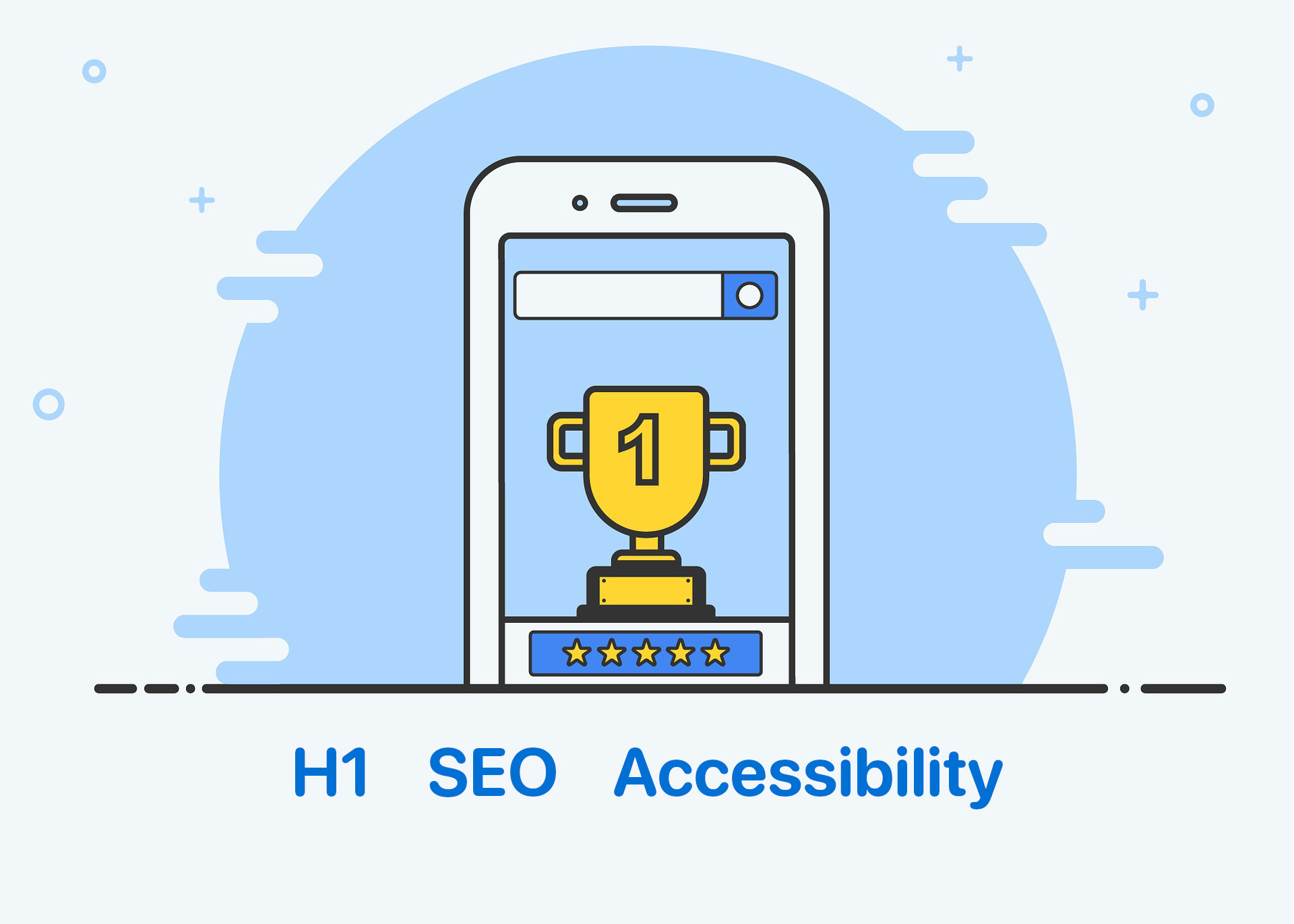
Trophy for the first place in the search results

Create perfect H1 heading for SEO and Accessibility

Headings communicate the organization of the page’s content. The h1 heading, which is usually the largest heading on a page, describes the main topic of the page and typically corresponds to the title of the page. It gives users an indication of what the page is about.

The h1 heading influences visitors’ decisions about whether or not to continue reading a page. It communicates the page’s relevance to search engines.

According to the WCAG headings rules, levels should be used hierarchically, with the main heading being the highest level (h1) and subheadings being subsequent lower levels (h2, h3, h4, etc.). This structure makes it easier for people with visual impairments, cognitive disabilities, and learning difficulties to easily understand the content of a web page.

In this article, we’ll go over all you need to know about the h1 heading and how to make the most of it from the perspective of the user, SEO, and accessibility!

Continue reading “Create perfect H1 heading for SEO and Accessibility”

Accessibility and Auditing Websites in Real Time made with Google Slides PresentationArticle contains
  1. Agenda
  2. Presentation