Digital accessibility refers to providing an equivalent user experience for people with disabilities, including auditory, cognitive, neurological, physical, speech, and visual disabilities. That means also providing web-based information, digital content, applications, and resources that are available and used by everyone.
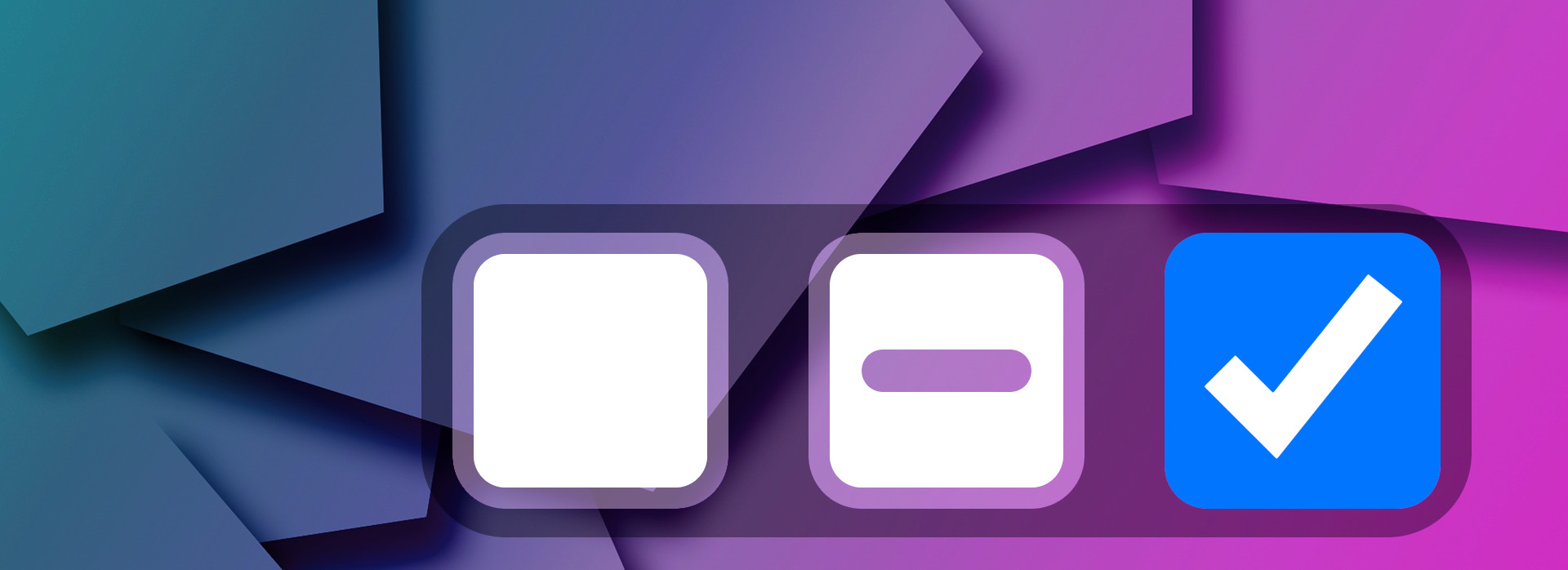
In HTML, the indeterminate state is a special visual state for form elements like checkboxes, radio buttons, and progress bars. For checkboxes, this state represents a condition where the checkbox is neither checked nor unchecked – it’s a third visual state typically displayed as a horizontal line (dash) inside the checkbox instead of a checkmark.
Important: the indeterminate state cannot be triggered by user interaction (such as clicking, hovering, or partial clicks). It is only set programmatically via JavaScript and is purely visual – it doesn’t affect the checkbox’s submitted value.
Common use case
The indeterminate state is most commonly used in hierarchical checkbox lists (parent/child relationships) to indicate that some, but not all, child checkboxes are selected. For example:
Parent checkbox: indeterminate state (dash) when some children are checked
Parent checkbox: checked state when all children are checked
Parent checkbox: unchecked state when no children are checked
The <select> HTML element represents a control that provides a menu of options. When used with an attribute multiple then it allows selecting multiple options at once. However, the current implementation for multiple selections is not optimal on a desktop device so we need to find a different way. The goal would be to build multiple selections that are accessible to everyone.
Every single HTTP request decreases loading performance. For a simple image, the attribute loading="lazy" can be used in order to defer the loading of off-screen images until the image appears on the screen. Lazy loading of images improves performance by reducing initial page load time, initial page weight, initial page rendering, and system resource usage.
Initial page load time – with lazy loading, the page is loaded faster because only images that are visible on the screen are loaded.
Initial page weight – because images that aren’t visible won’t be downloaded. Hence, the whole page weight will be smaller.
Initial page rendering – less images to render, the faster the whole page will be rendered for the user.
System resource usage – this refers to less resource usage like CPU, network, etc.
Everyone wants their site to be loaded fast. It’s not only good from the SEO perspective but also from the user experience perspective. However, achieving fast loading website it’s that easy quite often. Some use a one-click solution to magically resolve all loading performance issues. Use that with caution as those won’t resolve all issues you may have.
The HTMLElement.focus() method sets focus on the specified element. The focused element will receive a keyboard and similar events by default. However, sometimes you would like to prevent scrolling the document to bring the newly-focused element into view. This could be useful when you want to check if the element is capable to receive focus.
Keeping a website or application at a high-quality level is a challenge. No matter what type of business you own, you will need software that is fully accessible, usable, and without issues, as it has a high impact on the way customers reach out to you and buy your products or services.