Convert SVG to PNG, JPEG, or WebP image using JavaScript in the browserArticle contains
  1. Example code for converting SVG to PNG image
  2. Brief explanation of SVG to image conversion
  3. Considerations and limitations
  4. Managing memory during the conversion process
  5. Converting SVG to JPG, JPEG, or WebP format
  6. Alternative methods for SVG conversion
  7. Converting SVG to image online
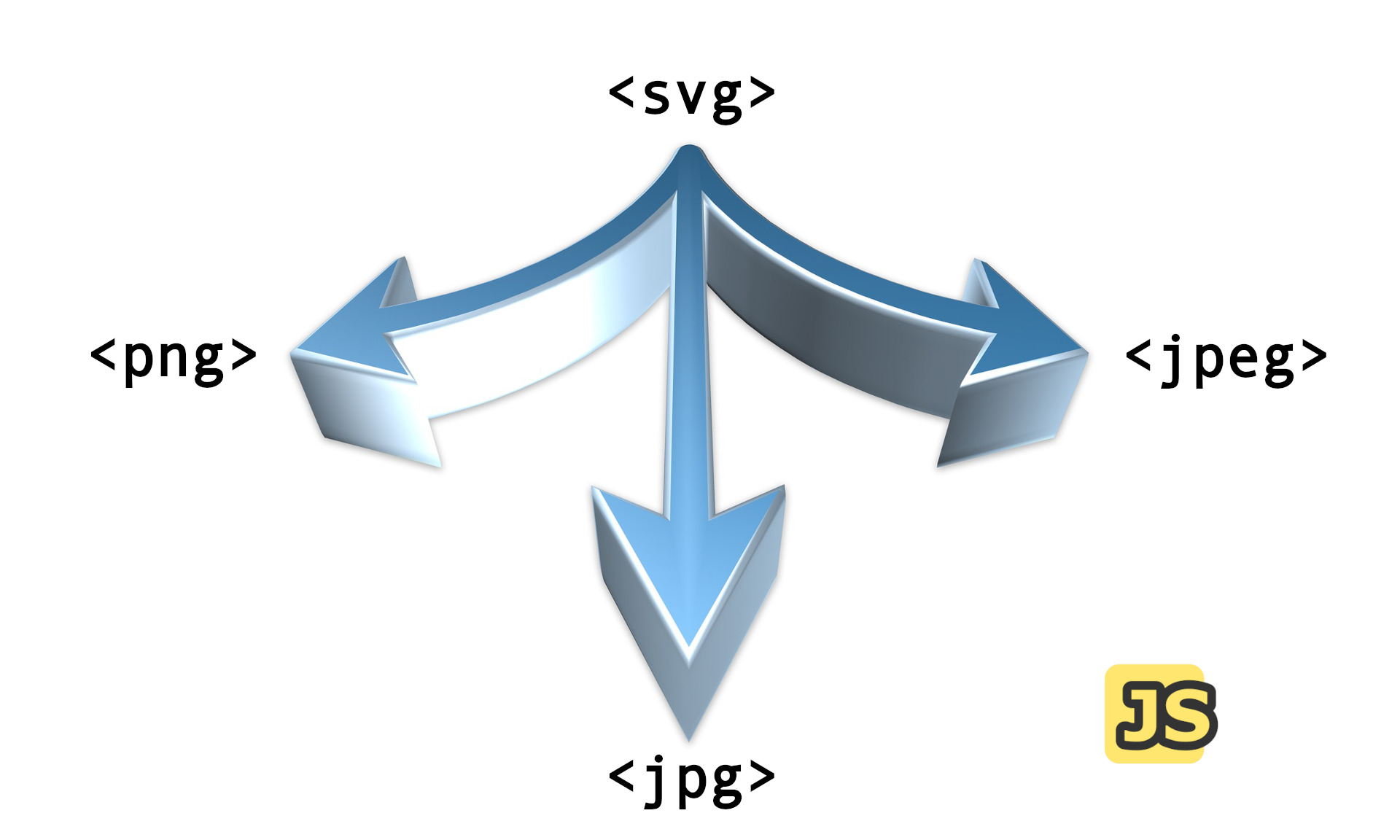
SVG text and three arrows that point to PNG, JPEG, and JPG, representing three different formats that SVG can be converted to.

Convert SVG to PNG, JPEG, or WebP image using JavaScript in the browser

To convert SVG to PNG, JPG, or WebP WebP is a modern raster graphics file format created by Google to provide more powerful lossless and lossy compression for images on the web. It is designed to replace the JPEG, PNG, and GIF file formats, and it supports animation and alpha transparency. WebP images are less in size than popular formats such as PNG and JPEG, which might result in faster website load times., you can use the DOM API to create an object URL from the SVG code, load it into an image element, and then write that image to a Canvas. Finally, you can use the toDataURL() method to convert the Canvas to a base64 encoded PNG image.

Continue reading “Convert SVG to PNG, JPEG, or WebP image using JavaScript in the browser”
Accessible and SEO friendly SVGsArticle contains
  1. What actually SVG is?
  2. SVG and Accessibility
    1. How do assistive technologies understand the content?
    2. How do assistive technologies understand SVG?
    3. Example 1: SVG icon and text
    4. Example 2: SVG icon only
    5. Example 3: SVG that should be treated as an image
    6. Example 4: SVG with complex data that requires a detailed description
    7. Example 5: SVG image referenced in the src attribute of the img tag
  3. SVG and Search Engine Optimization (SEO)
    1. Hyperlinks and SEO
    2. Page load times
    3. Indexing in image search engine
    4. Be careful with embedding SVG in HTML
    5. Does using the img tag have a greater impact on search engine optimization (SEO) than using the svg tag?
      1. SVG advantages
      2. Img advantages
  4. Summary
The sun setting behind the mountains. Two palm trees and the inscription "SVG, Accessibility and SEO" in the background.

Accessible and SEO friendly SVGs

Making SVGs accessible is important to ensure that all users, including those with visual impairments, can access and understand the content of svg images. While accessibility primarily benefits users with disabilities, it can also indirectly contribute to SEO through improved user engagement and the presence of indexable text within inline SVGs.

Continue reading “Accessible and SEO friendly SVGs”
Making a business case for digital accessibilityArticle contains
  1. Reducing legal risks: Beyond compliance
  2. Enhancing user experience: A gateway to universal design
  3. Boosting brand reputation: Aligning with ethical consumerism
  4. Driving innovation: The mother of invention
  5. Expanding the customer base: Tapping into the disability market
  6. Summary: Inclusion and accessibility for the future
A group of people standing together. A blue hexagon shaped object in the background.

Making a business case for digital accessibility

In the ever-evolving landscape of global business, companies are constantly looking for ways to innovate and expand their market reach as well as to enhance their brand reputation.

On the path to these goals, one vital element that often gets overlooked is accessibility. Accessibility refers to the practice of making products, services, and environments usable by as many people as possible, particularly those with disabilities. However, this notion goes beyond simply ticking legal boxes. Embracing inclusivity and social responsibility isn’t just the right thing to do, it’s a powerful driver of business success.

Continue reading “Making a business case for digital accessibility”
How to find the highest z-index on a page using JavaScriptArticle contains
  1. Practical code example for finding highest z-index
  2. Can this method be modified to work with iframes or shadow DOM?
    1. The example of how you might do this for an iframe
  3. Optimize function for performance
  4. Final words about z-index value
Simple steps to convert a webpage into a PDF fileArticle contains
  1. Saving a Webpage as a PDF in Google Chrome
  2. Saving a Webpage as a PDF in Microsoft Edge
  3. Saving a Webpage as a PDF in Safari macOS
  4. Saving a Webpage as a PDF in Firefox
  5. How to save pages to pdf in Brave or Chrome on Android?
  6. How to save pages to pdf in Opera on Android?
Add a badge to the browser tab favicon using JavaScriptArticle contains
  1. Understanding what a favicon is
  2. Use cases for the badge in the favicon
  3. Adding a badge to your browser tab favicon with JavaScript
  4. I can't change the favicon with JavaScript in Safari
  5. Taking it to the next level with an enhanced version
    1. Implementing favicon caching
    2. Framework integration
    3. Real-world examples
  6. Alternative approaches
Example of browser tab with favicon and badge on it

Add a badge to the browser tab favicon using JavaScript

Adding a badge to the favicon using JavaScript can be done by updating the image specified by the <link /> element with a new icon image.

This method involves JavaScript and creating an in-memory canvas element, applying the favicon image, drawing the badge shape and text on top, and then updating the <link /> element’s href attribute with the final composite of the canvas element’s image data as a Base64 encoded string.

Continue reading “Add a badge to the browser tab favicon using JavaScript”
Check if a string is valid HTML using JavaScriptArticle contains
  1. Key considerations
  2. Essential requirements
  3. How does the DOMParser interface parse HTML strings differently based on the mimeType argument?
  4. Practical example
  5. Code
  6. Example of validation error
  7. What a MIME type is and why it's used in the isStringValidHtml function?
  8. How does the DOMParser API handle invalid HTML syntax?
  9. How can you ensure that HTML string validation in JavaScript correctly detects missing or misplaced tags?
    1. 1. Mechanical check - is every tag balanced?
    2. 2. Semantic check - did the browser mutate the DOM?
    3. 3. One-line validator
    4. 4. Server-side (Node.js) usage
  10. Summary
Keyboard with all empty keys except four keys: H, T, M, and L next to each other.

Check if a string is valid HTML using JavaScript

There isn’t a single definitive way to determine if a string is valid HTML, as HTML itself is flexible and can be malformed. However, we can use various methods to check for the presence of HTML-like structures in a string.

One method is to use DOMParser API and its method parseFromString.

The DOMParser API interface allows you to parse XML or HTML source code from a string and convert it into a DOM Document. It is used to convert a string of XML or HTML into a structured DOM object that can be easily manipulated using JavaScript.

Continue reading “Check if a string is valid HTML using JavaScript”
Designing for dyslexic usersArticle contains
  1. What actually is dyslexia?
  2. Designing for dyslexia as a key to inclusivity and accessibility
  3. Choose clear fonts and typography
  4. Format text for ease of reading
  5. Use high contrast colors
  6. Incorporate multimedia for visual aids
  7. Use simple language and writing style
  8. Design intuitive navigation and layout
  9. Using images and diagrams to support text
  10. Additional resources related to designing for dyslexic users
  11. Summary of key points
A person on the background of a puzzle

Designing for dyslexic users

Did you know that optimizing your digital content for dyslexic users may not only boost your website’s accessibility but also increase your customer base? With an estimated one out of ten people having dyslexia, that’s roughly 780 million people worldwide (1 out of 10 people have dyslexia) who could benefit from dyslexia-friendly design.

Dyslexia is a specific learning disability characterized by difficulties with accurate and/or fluent word recognition and poor spelling and decoding abilities. To ensure that your content is inclusive and accessible, consider implementing certain design considerations.

Continue reading “Designing for dyslexic users”
Optimizing background videos for fast loading. Tips and strategies for improved user experienceArticle contains
  1. 1. Optimize the video file
  2. 2. Remove the audio track
  3. 3. Use HTML5 supported formats
  4. 4. Optimize dimensions and aspect ratio
  5. 5. Lazy loading and deferred loading
  6. 6. Preload the video strategically
  7. 7. Use a poster image
  8. 8. Consider a video hosting platform
  9. 9. Add CSS performance hints
  10. 10. Provide a static image fallback
  11. 11. Use the playsinline attribute
An old, open briefcase with a mini beach and sun in it

Optimizing background videos for fast loading. Tips and strategies for improved user experience

Adding videos to your website can be a double-edged sword. Web users love high-resolution videos, but if your website isn’t optimized to handle them, such content can cause significant performance problems, leading to higher bounce rates and a poor user experience.

When it comes to optimizing background videos for fast loading, you must consider the entire pipeline, from choosing the right codec and reducing file size to implementing modern loading strategies like lazy loading and adaptive bitrate streaming.

Continue reading “Optimizing background videos for fast loading. Tips and strategies for improved user experience”
How do you measure the success of the website project?Article contains
  1. Key points of measuring the success of the website project
  2. What metrics and analytics do you use to track and report the website's performance and impact?
  3. Can data-driven decisions really optimize my website's user experience, content, and marketing strategies?